
Features 01
Save Telegram video on Web K
Export videos from channels and groups you can access with a one-tap VideoTG save.
- Fast video save
- Works on Web K
- Accessible chats only
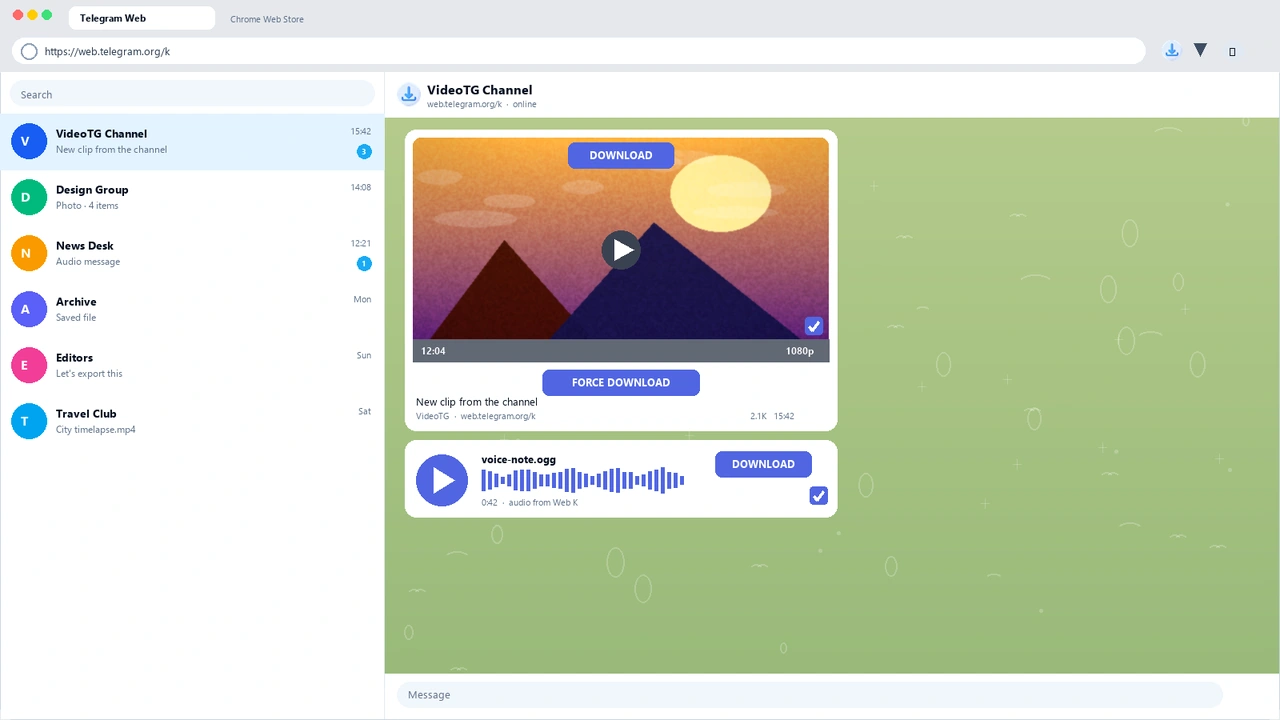
VideoTG
VideoTG helps you save Telegram videos fast on Web K - with photos and audio when you need them, focused on quick single-file exports.
A focused telegram web downloader for web.telegram.org/k - save, don’t wrestle.
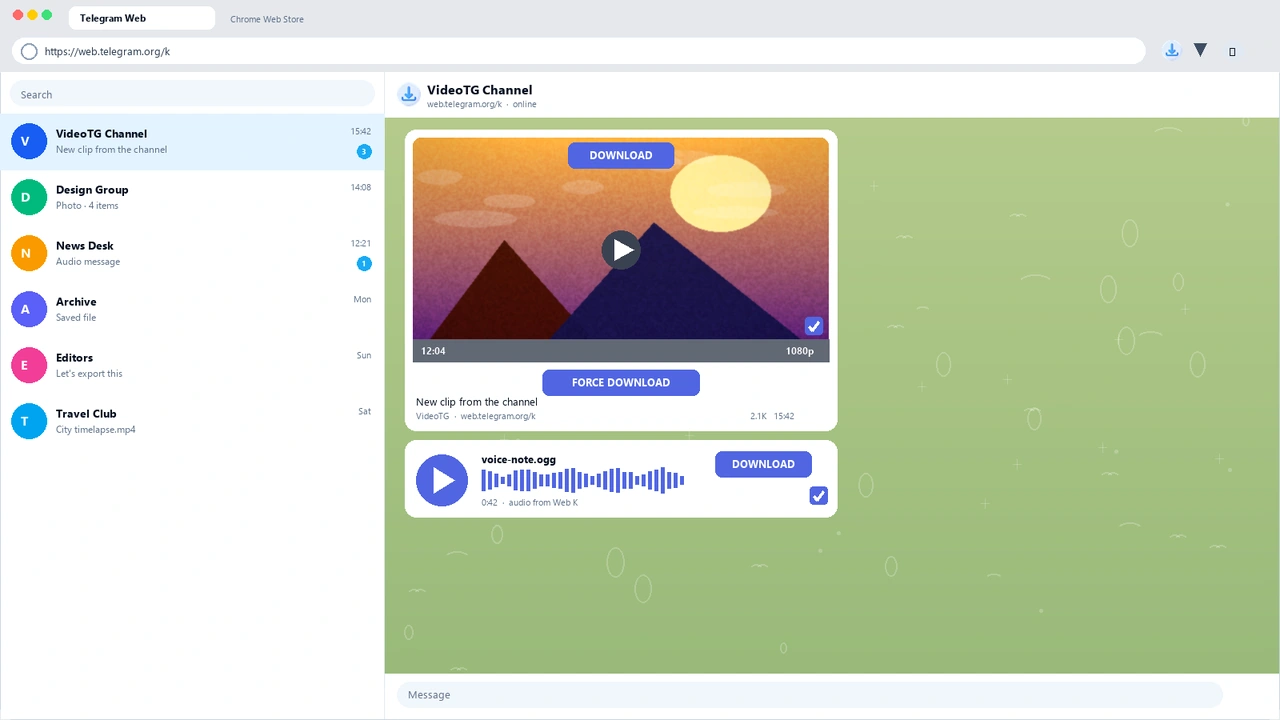
Built for Telegram Web K - open, save, done.
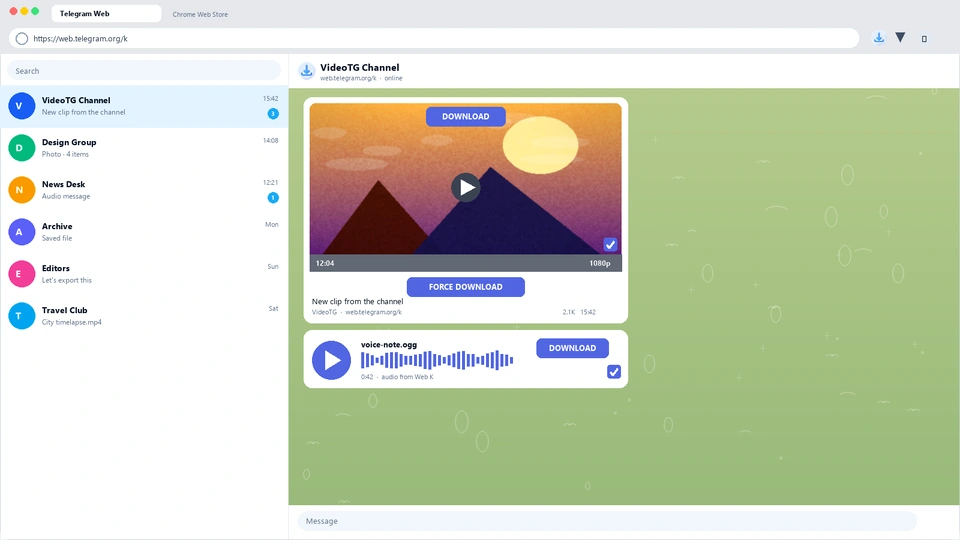
Step 1 / 3
Go to web.telegram.org/k in Chrome and open a chat you can access.
Use VideoTG for save telegram video Web K tasks: fast single-file exports, optional batch, and secondary photo/audio saves.
Features 01
Export videos from channels and groups you can access with a one-tap VideoTG save.
Features 02
Built for quick one-file exports when you need the video on disk now.
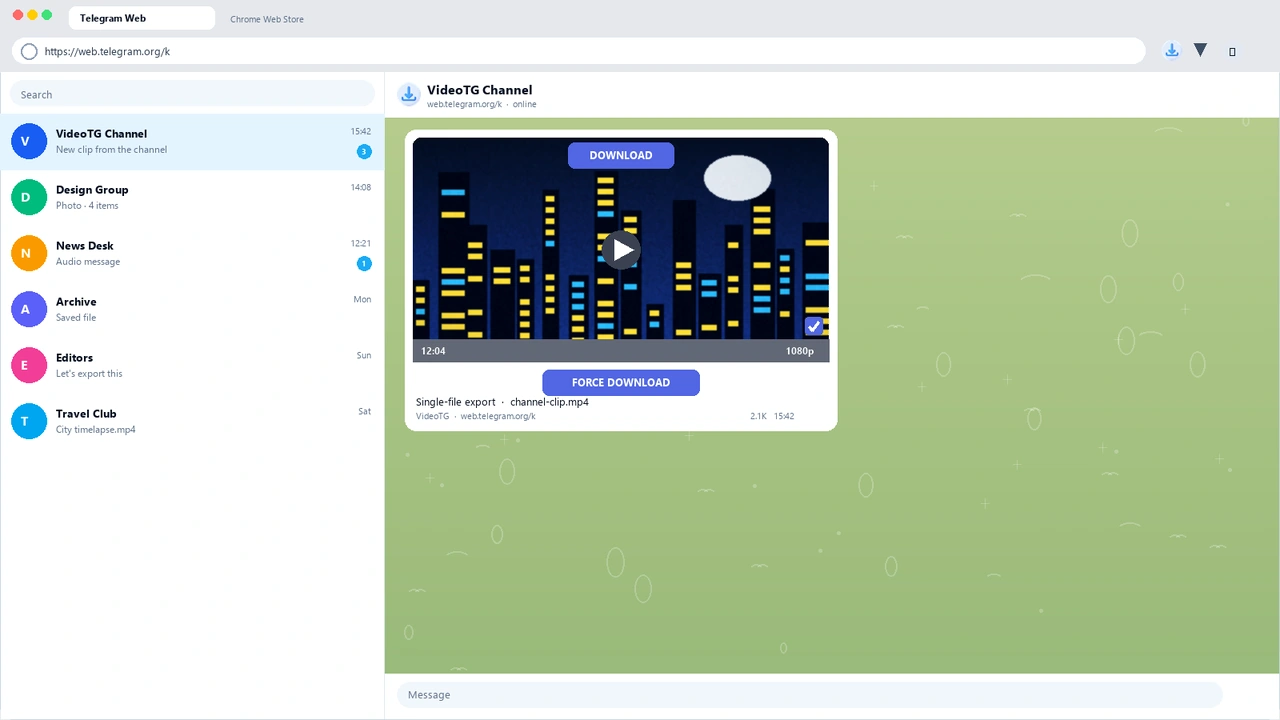
Features 03
Save photos and audio without changing VideoTG’s video-first positioning.
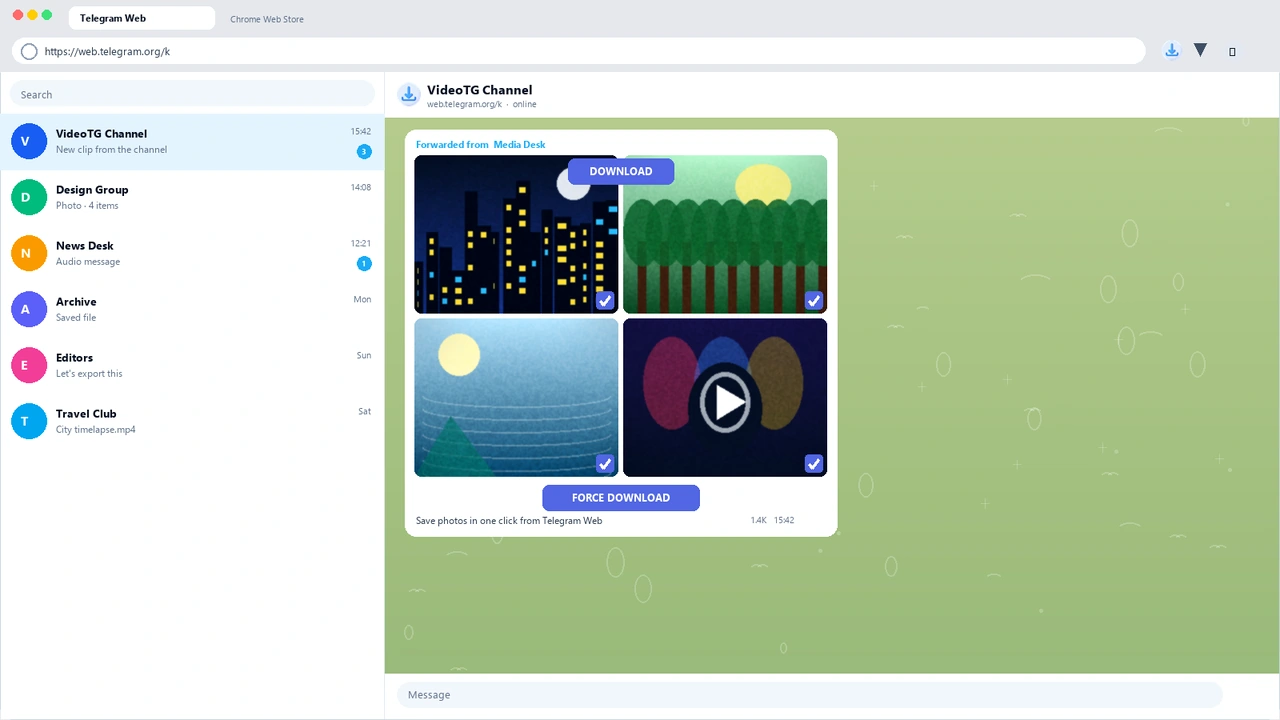
Features 04
A practical telegram web downloader for Chrome users who live in web.telegram.org/k.
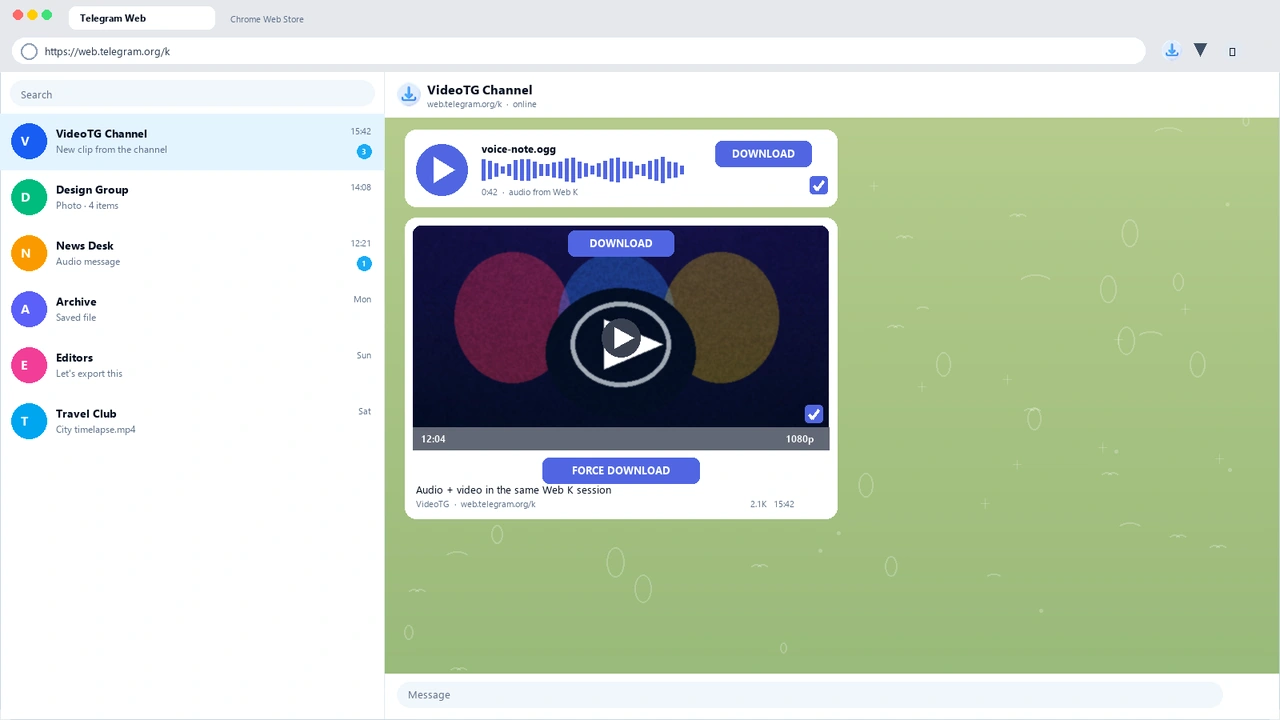
VideoTG runs in Chrome on web.telegram.org/k. It does not promise one-tap saves inside official mobile apps.
VideoTG is a Chrome extension to save Telegram videos fast on Web K. It also supports photos and audio, with a focus on telegram single file export.
You can install and start saving on Web K without a complex setup. Paid plans may require an account for higher quotas.
Primarily videos, plus photos and audio when Telegram Web exposes them. Formats follow what the browser can download from Web K.
Save runs on Telegram Web K in Chrome. We do not promise one-tap save inside official mobile apps.
VideoTG is built for fast single-file exports. Batch may appear when Telegram Web allows it, without changing the Save positioning.
Speed depends on your network, Telegram availability, and file size. VideoTG optimizes for a quick save telegram video Web K workflow.
Save only from chats you can open. Do not share passwords or try to bypass account bans.
Free usage may include a daily single-file save quota. Upgrade unlocks higher limits for heavier VideoTG sessions.
If you already have legitimate access, open the channel in Web K and use available save actions. We do not promise bypassing Telegram protection.
Reload Web K, confirm VideoTG is enabled, and wait for the video UI. Protected chats may hide actions by Telegram’s rules.
No. VideoTG is a brand for fast video saves on Web K - not a Content Downloader or DownloadHelper product.
Respect Telegram’s restrictions. Only keep content you are authorized to save with permitted Web K methods first.
See what Chrome users say about VideoTG on the Web Store.
Single-file exports on web.telegram.org/k. Install VideoTG and save in one tap.